Hands-Free WordPress Solutions for Your Business
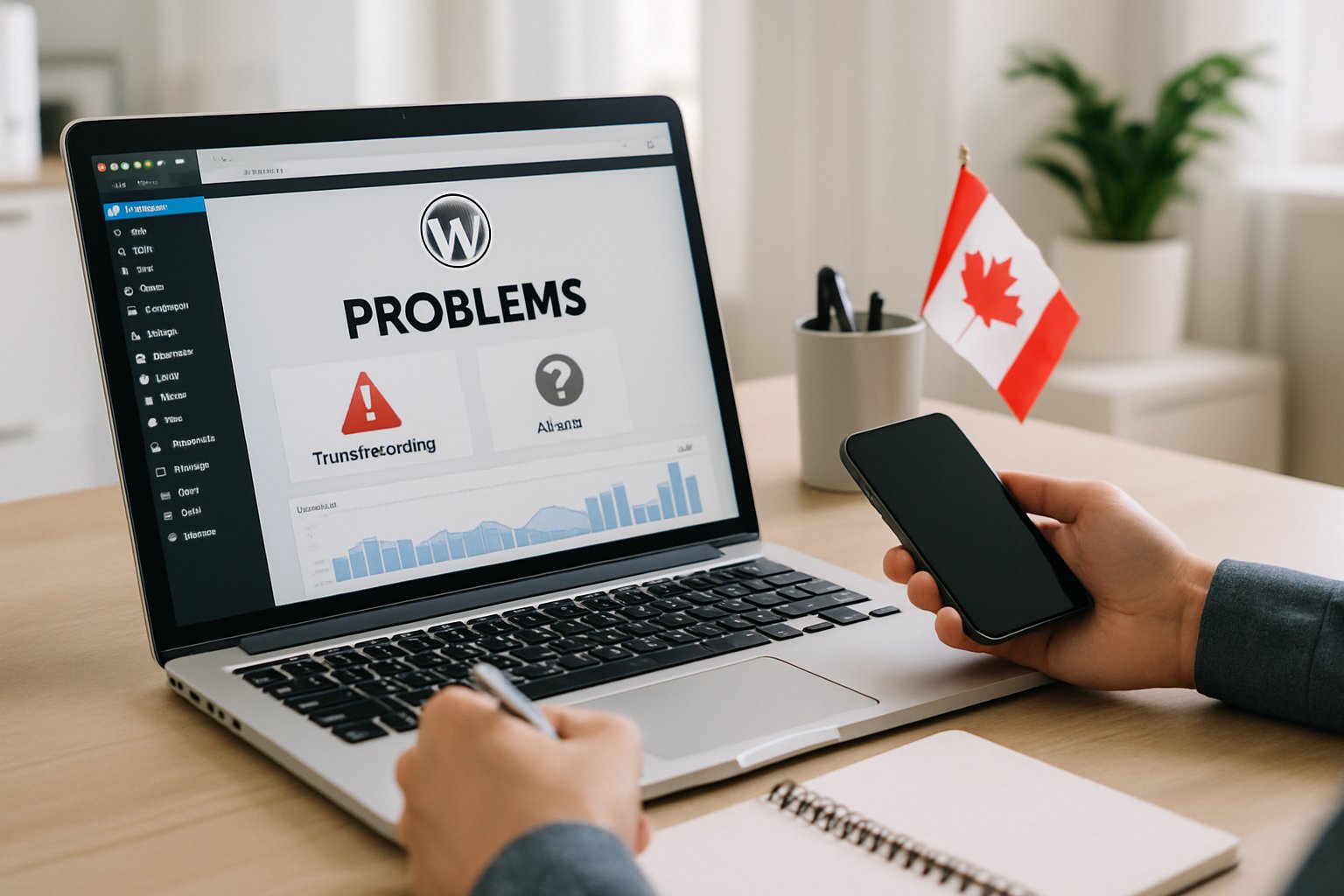
When your WordPress site slows down, breaks, or just stops working, it can throw your business off track and eat up precious time. You need people who actually get how to fix things fast and keep your website humming along.
Canadian Web Creations jumps in to solve WordPress headaches with support you can count on, custom solutions, and ongoing maintenance that keeps your site safe and running well.
You’ll see what sets this team apart as WordPress problem solvers, how they handle common tech issues, and how they boost performance for real results. They focus on practical fixes, from blocking security threats to making your site faster and steadier.
If you’re after a worry-free WordPress experience, this guide gives you a look at how professional care and proactive management can really make a difference for your online presence.
What Makes Canadian Web Creations Stand Out as WordPress Problem Solvers
You get help that zeroes in on solving technical issues, boosting performance, and locking down your WordPress site’s security. The team leans on proven methods to handle plugin conflicts, site errors, and hosting hiccups, all while keeping your site easy to manage and pleasant for visitors.
Expertise in WordPress Troubleshooting
They manage over 300 WordPress websites across Canada, so they’ve seen a lot. Common errors like the 500 Internal Server Error and plugin conflicts that break your site? They’ve handled them plenty of times.
Their approach is to find the root cause, test fixes in a safe spot, and roll out updates that head off future problems. They keep an eye out for security holes and outdated themes that could put your site at risk.
If you’re using hosts like GoDaddy, they know how to straighten out WordPress-adjacent issues that can drag down performance. This mix of technical know-how and ongoing care makes Canadian Web Creations a solid support partner.
Tailored Solutions for Canadian Businesses
You get services that actually fit your business, not just one-size-fits-all patches. Whether you run a small business site or a big WooCommerce shop, they tweak their approach to match your setup and your audience.
They build sites that load fast, look good on mobile, and come with tools to help you handle content easily. Their team also helps you pick plugins that add value without making things messy.
If your company’s growing, their solutions scale with you and keep things stable. Customization here isn’t just a buzzword—it’s what helps your WordPress site stay efficient and on-brand.
Commitment to User Experience
They care about how people use your website. The team focuses on clear navigation, layouts you can actually read, and smooth performance on any device.
They test every design choice for usability, accessibility, and speed. Even small layout tweaks or shaving off a second from load time can make visitors happier and boost conversions.
Their work follows modern user experience principles, so your WordPress site doesn’t just work—it feels good to use.
Common WordPress Problems and How to Solve Them
Most WordPress issues come from plugin errors, theme problems, or server missteps. Knowing what causes trouble—and some quick fixes—can save you a ton of headaches.
Identifying Frequent WordPress Errors
You’ll probably run into things like the “White Screen of Death,” “Error Establishing a Database Connection,” or “500 Internal Server Error.” These usually pop up when a plugin, theme, or core file doesn’t load right.
Check your error logs and flip on debugging in wp-config.php to dig into the cause. There’s a handy WPBeginner guide that lists out common problems and fixes.
WordPress 5.2 added a recovery mode you can use if a fatal error locks you out. Always back up your site before you start poking around in files or settings.
Resolving Plugin and Theme Conflicts
Plugin and theme clashes are classic WordPress headaches. If two extensions try to use the same function or script, your site might crash or look weird.
To sort it out, turn off all plugins, then turn them back on one at a time. Switch to a default theme like Twenty Twenty-Five to see if your current theme is the culprit.
Keep plugins updated and ditch any that are old or unsupported. Kinsta’s troubleshooting guide suggests sticking with reliable plugins to cut down on conflicts and keep your site steady.
Fixing Loading and Performance Issues
Slow pages usually mean you’ve got huge images, bad hosting, or messy code. Tools like Google PageSpeed Insights help you see what’s dragging your site down.
Shrink your images, set up caching, and use a CDN to speed things up. Disabling unused plugins and trimming CSS or JavaScript also helps.
Here’s a quick cheat sheet:
| Problem | Common Cause | Quick Fix |
|---|---|---|
| Slow pages | Large images | Compress and resize |
| Delayed server response | Weak hosting | Upgrade hosting plan |
| High bounce rate | Poor caching | Install caching plugin |
Optimizing WordPress Site Performance
A WordPress site that’s tuned up loads fast, works on mobile, and just feels better to use. Good optimization also keeps people from bouncing and helps you show up in search results.
Improving Website Speed
Your WordPress site should load in under three seconds—any longer, and people start leaving. Slow sites hurt engagement and your search rankings. Use Google PageSpeed Insights or GTmetrix to see how you’re doing.
Keep your WordPress core, themes, and plugins up to date. Updates often bring speed boosts and security fixes, as CanSpace’s tips point out.
Set up caching plugins like WP Rocket or W3 Total Cache to serve static pages faster. Compress your images before uploading to keep file sizes down without killing quality.
A CDN spreads your files across servers worldwide, so people everywhere get faster access. Also, clear out plugins and themes you don’t use—they hog resources.
| Optimization Task | Benefit |
|---|---|
| Image compression | Faster page load |
| Caching setup | Reduced server requests |
| CDN integration | Global performance boost |
| Plugin cleanup | Lower memory use |
Enhancing Mobile Responsiveness
With most web traffic coming from phones and tablets, your WordPress site needs to work on all screen sizes. Responsive design makes sure text, images, and buttons adjust automatically.
Pick a mobile-friendly theme and run it through Google’s Mobile-Friendly Test. Responsive themes handle layouts for you and help with readability.
Skip big pop-ups or fixed-width stuff that wrecks mobile layouts. Make sure buttons and menus are easy to tap with your thumb.
Check out WordPress performance guidelines for more ways to improve mobile usability and speed.
Turn on lazy loading for images and videos so they only load when someone scrolls to them. It saves bandwidth and makes things feel snappier on mobile.
Ensuring WordPress Security and Stability

Keeping your WordPress site safe and stable isn’t a one-and-done thing. It takes regular updates, backups, and careful plugin management to avoid downtime and protect your data.
Applying Security Patches and Updates
Security patches fix known holes in WordPress core, themes, and plugins. You should install them as soon as they come out. Waiting just gives hackers more time to find you. Jetpack’s 2025 WordPress security tips point out that outdated plugins are a top cause of hacked sites.
Set your site to auto-update minor stuff. For major releases, test them on a staging site first to catch any weirdness.
Delete plugins and themes you’re not using—even if they’re inactive, they can still be risky. Use a security plugin or managed host that offers a firewall and malware scans.
| Area | Action | Frequency |
|---|---|---|
| Core updates | Enable auto-updates | Ongoing |
| Plugin updates | Review and apply | Weekly |
| Theme updates | Check for patches | Monthly |
Implementing Backup Strategies
Backups are your safety net if something goes sideways during updates or you get hacked. Keep at least one copy offsite using cloud storage like Dropbox, Google Drive, or your host’s backup tool.
Set backups to run daily for busy sites and weekly for smaller ones. Always check that you can actually restore from your backup—nothing’s worse than a broken site and a busted backup.
Mix it up with different backup types:
- Full backups for everything.
- Incremental backups for smaller, faster updates.
WP Umbrella’s guide reminds you to test your backup process often. A backup you can’t restore is pretty much useless.
Ongoing WordPress Maintenance and Support
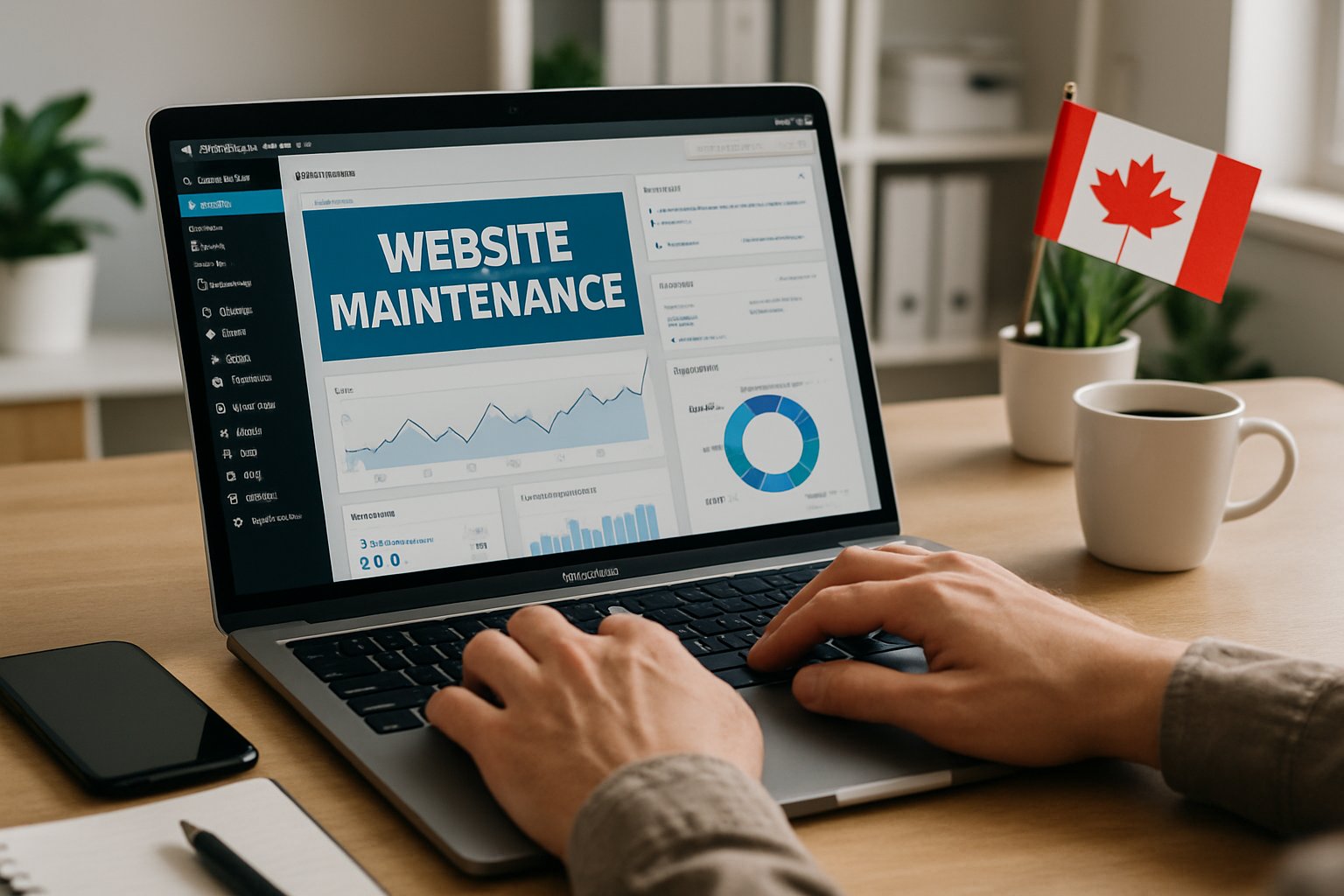
A reliable WordPress site takes regular work—updates, security checks, and performance tweaks. Skipping maintenance can lead to downtime, data loss, or slow pages that turn visitors away.
Routine Maintenance Tasks
You’ve got to keep up with plugin, theme, and core updates to close security gaps and keep everything working together. Putting off updates just opens the door to errors and hackers.
Set up a schedule for backups and database optimization. Backups save your data if something breaks, and optimization keeps things running fast. Tools like UpdraftPlus make this a lot easier.
A simple routine might look like this:
- Weekly plugin and theme updates
- Daily or weekly backups
- Monthly database cleanup
- Regularly checking user accounts and permissions
Test changes on a staging site before going live to avoid nasty surprises. Staying organized means your website keeps running smoothly for everyone.
Proactive Monitoring and Updates
Proactive monitoring helps you catch issues before they become real problems. Tools like Wordfence or your host’s dashboard can track uptime, page speed, and security threats.
This covers malware scans, SSL checks, and error log reviews. You’ll spot weird activity early, before it snowballs.
Let WordPress handle minor updates automatically, but keep an eye on big updates yourself. Major changes can affect your theme or plugins, so don’t just set and forget.
Combining real-time monitoring with regular updates keeps your WordPress site secure and running smoothly—so you can focus on your business.
Custom WordPress Solutions for Canadian Businesses
If you want your WordPress site to really stand out, focus on flexible design and strong search visibility. Custom development and SEO work together to make your site perform well, load fast, and give users a smooth ride.
Custom Theme and Plugin Development
Custom themes and plugins give you control to shape your site around your business goals. Forget cookie-cutter templates—tailored features improve usability and performance. Canadian Web Creations builds WordPress sites for both regular business pages and big WooCommerce stores.
A custom theme lets you tweak layouts, colors, and navigation so visitors find what they need faster. Plugins can automate things like forms or product updates, saving you time and cutting down on mistakes.
When done right, custom plugins avoid the conflicts and security problems you sometimes get with random add-ons. Developers can also hook up APIs or CRM systems to connect your site with other business tools, making your WordPress site more efficient and easier to manage.
SEO Optimization for WordPress
Search engine optimization (SEO) helps people find your site online. If your WordPress website is well-optimized, it loads faster and uses clean code.
Clear metadata also plays a part in boosting rankings and drawing in more visitors. You can improve SEO with schema markup, image optimization, and descriptive alt text.
Plugins like Yoast SEO or Rank Math make these tasks easier. They walk you through best practices, which is honestly a relief if you’re not an SEO expert.
When you set up a solid site structure with proper heading tags and internal links, both people and search engines find your content easier to read. Regular updates and security checks help your site keep running smoothly.
Google Search Central points out that mobile-friendly design and quick loading times really matter. If you want better visibility and a smoother experience for visitors, those are worth focusing on.