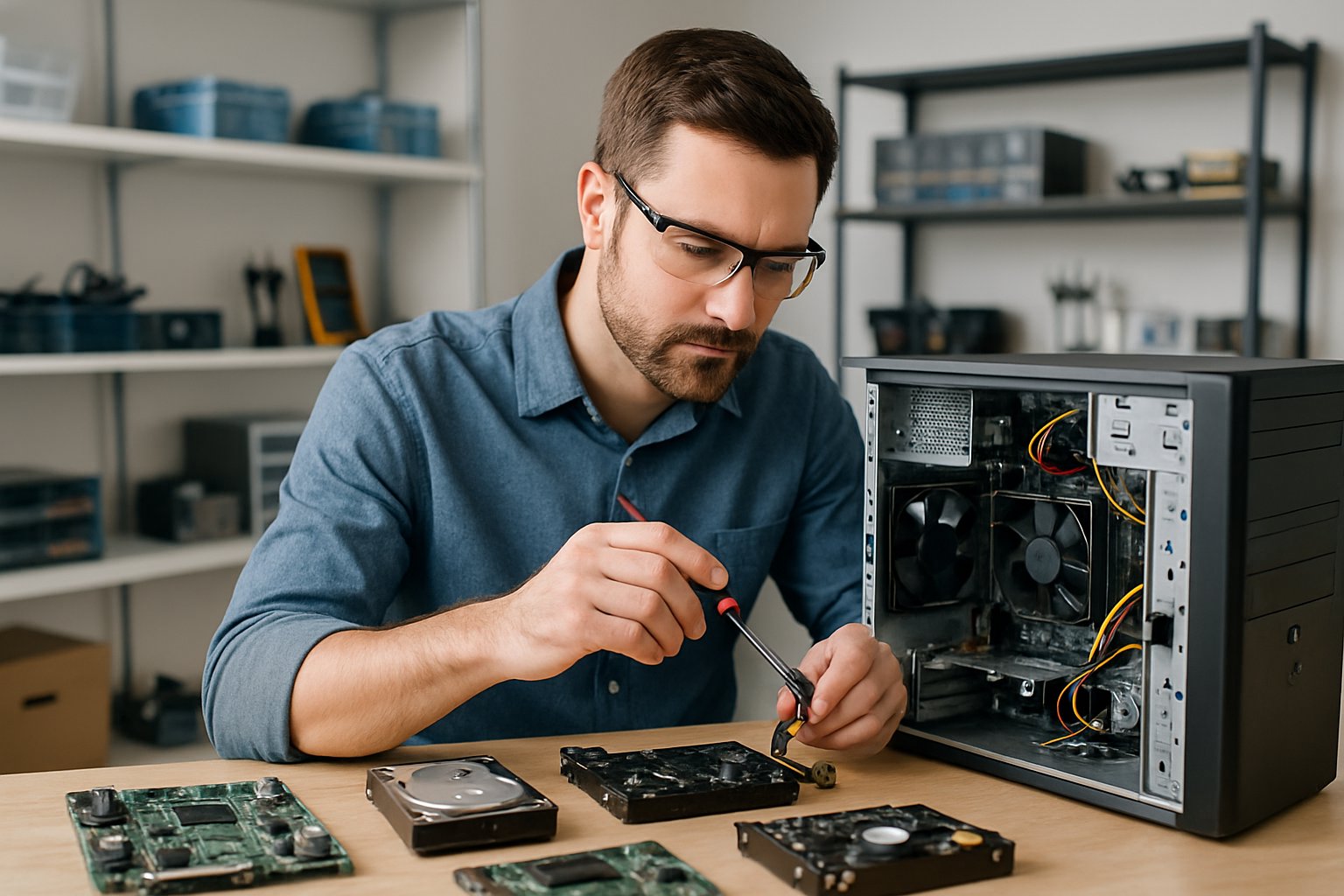
Trusted Local PC Repair Services & Solutions
When your computer starts acting up, crashes unexpectedly, or just crawls along, you need repair services you can trust. Brantford’s got several options, from established local shops to techs who handle everything from hardware failures to virus removal.
- Scott’s Computer Emporium has been helping Brantford since 2008, focusing on honest, reliable repairs for all computer brands, including Macs. You’ll also find
- Personal Computer Terminal, which handles both hardware and software headaches, along with other local providers who’ve built strong reputations here.
Maybe your laptop’s crawling, your desktop won’t start, or you need data recovered. Knowing your local options helps you make better choices. It’s worth figuring out what’s available, how to pick the right shop, and what you can do to avoid future computer trouble.
Understanding Computer Repair in Brantford
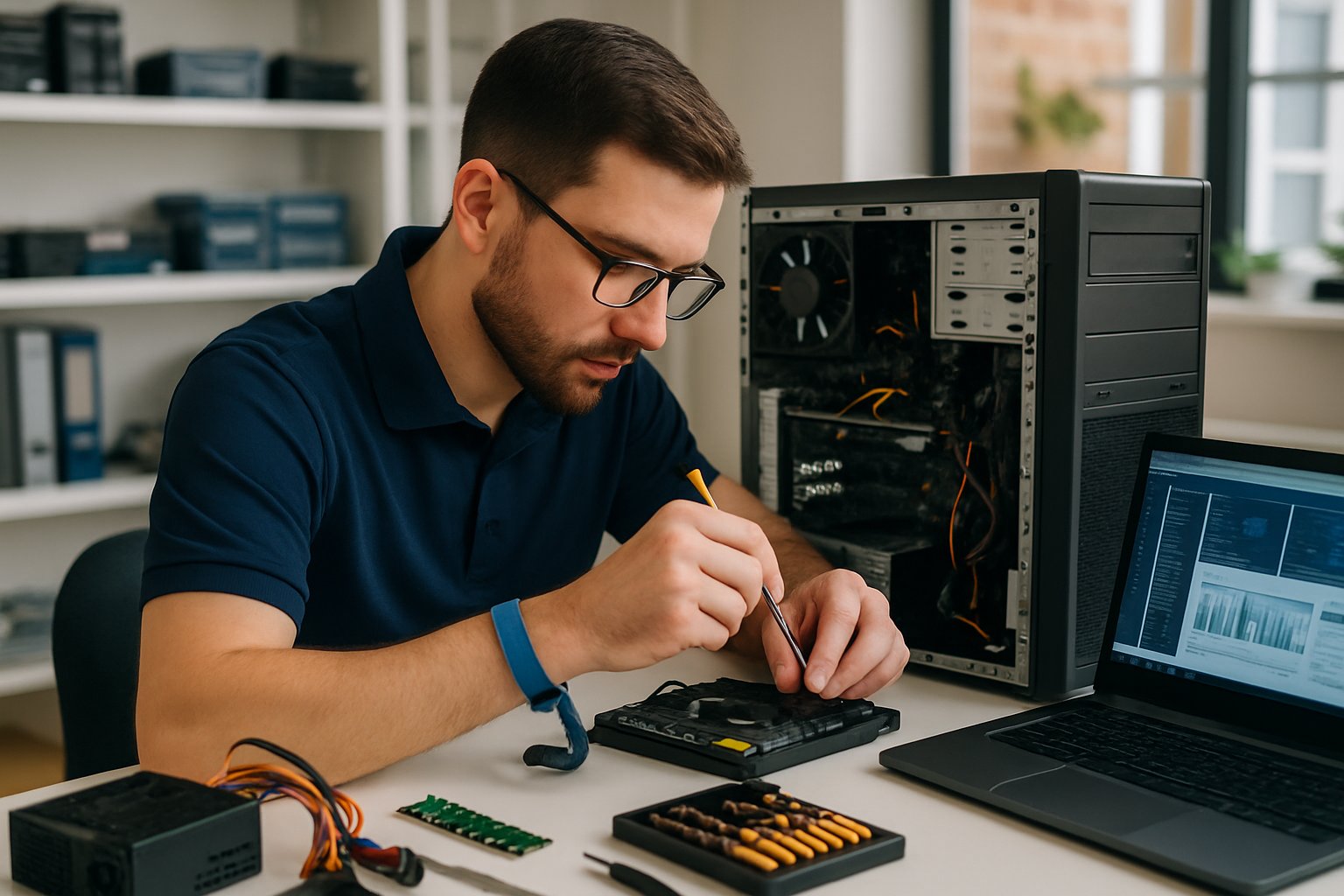
Computer repair services in Brantford tackle all sorts of technical issues, combining professional know-how with local convenience. Local shops usually offer faster turnaround and more personal service than big chains.
Importance of Professional Computer Repair
Professional repair services help protect your data and your investment. Trying to fix things yourself often makes problems worse or causes permanent damage.
Trained techs can spot tricky hardware or software issues that most people miss. They use special tools to track down the real cause of your computer’s problems.
Repairs from pros usually come with warranties. If the same issue pops up again, you get follow-up service at no extra cost.
Personal Computer Terminal has been around since 1990, showing the value of experienced local techs. They handle both hardware failures and software conflicts that mess with your system.
Certified shops follow safety procedures when dealing with electronics. This helps prevent injuries and keeps your computer safe during repairs.
Common Computer Issues in Brantford
Slow computers top the list of complaints. Too many startup programs, not enough RAM, or hard drive issues usually cause the slowdown.
Viruses and malware are another headache. They steal info, corrupt files, and make your system unstable or unusable.
Hardware failures show up as:
- Hard drive crashes that put your data at risk
- Power supply problems causing random shutdowns
- Overheating from dust clogging up fans
- Memory module failures that crash your system
Blue screen errors mean something’s seriously wrong. Windows throws these up when it finds critical errors that could wreck your computer or files.
Internet issues can block access to email, websites, and cloud stuff. Usually, it’s a network adapter issue or a setting gone wrong.
Computer repair shops in Brantford deal with these problems all the time and know what works.
Advantages of Local Repair Services
Local shops let you talk directly to the tech working on your machine. You can explain what happened and ask questions face-to-face.
Repairs usually happen faster, so you don’t have to wait weeks. Most shops finish common fixes in a day or two.
Supporting local businesses keeps your money in Brantford. Local shops often offer flexible payment options and more personal service.
You can drop by to check on your repair. This openness builds trust and lets you give extra info if needed.
Local techs get what Brantford residents and businesses need. They stock common parts and know local suppliers, so repairs don’t drag on.
Prices tend to be competitive, and many shops offer free diagnostics. You’ll get a detailed estimate before any work starts.
Types of Computer Repair Services Offered
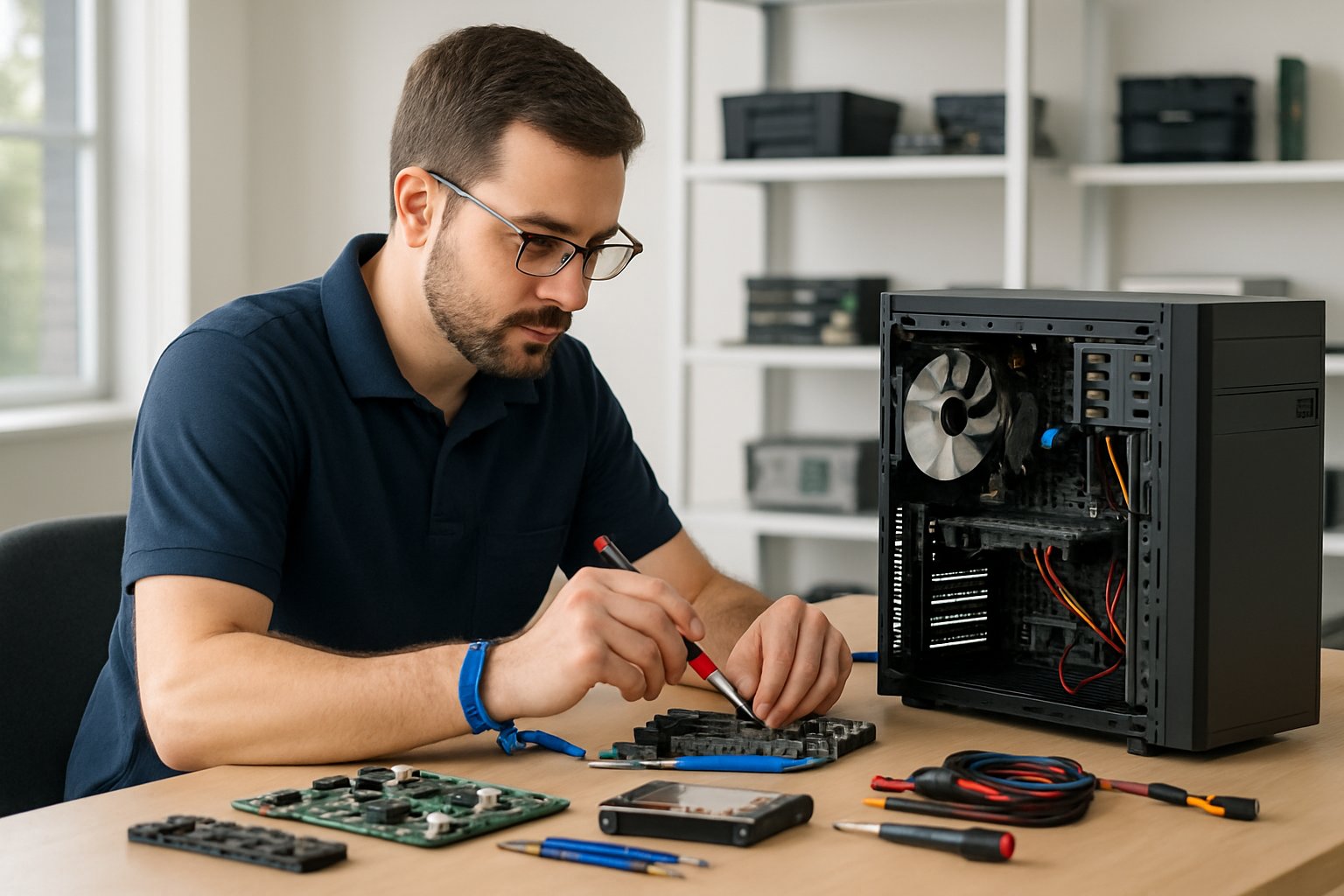
Repair pros handle a wide range of issues, from busted hardware to corrupted software. Most shops break things down into four main service categories that cover pretty much all desktop and laptop problems.
Hardware Troubleshooting and Replacement
Hardware problems mess with the parts you can actually touch. Maybe your computer won’t turn on, makes weird noises, or flashes error messages.
Common issues include failing hard drives, broken screens, and bad power supplies. Brantford technicians use special tools to diagnose these headaches.
Typical Hardware Services:
- Motherboard repair or replacement
- RAM upgrades and fixes
- Hard drive and SSD installs
- Screen and keyboard swaps
- Power supply troubleshooting
- Graphics card repairs
Hardware usually gives warning signs before failing completely. Slowdowns, frequent freezes, or clicking sounds from the hard drive are red flags.
Shops keep common replacement parts on hand for popular brands. This means most hardware fixes are done within a few days.
Software Installation and Updates
Software problems show up when programs won’t work or the operating system gets corrupted. Even if your hardware’s fine, bad software can make your computer unusable.
Techs can install a fresh copy of Windows, update drivers, and set up new programs. SecurIBC offers Windows 11 installs with driver setup and optimization.
Software repairs include operating system reinstalls if your computer won’t boot. Techs back up your important files before wiping the drive.
Common Software Repairs:
- Operating system installs
- Driver updates and fixes
- Program installations and setup
- System cleanup and optimization
- Registry repairs
- Boot problem solutions
Software updates patch security holes and boost performance. Lots of issues come from running outdated programs that just don’t play nice with newer systems.
Virus and Malware Removal
Malware can steal info, slow your computer, or flood you with ads. Often, it sneaks in through sketchy emails or infected websites.
Signs of infection? Pop-ups, sluggish performance, or programs opening by themselves. Your browser might start acting weird or your homepage changes out of nowhere.
Techs use multiple security tools to scan your system. They’ll also check for hidden malware that automatic scans might miss.
Malware Removal Process:
- Full system scan with pro tools
- Manual file inspection
- Registry cleanup
- Browser repair and cleanup
- Security software install
- Tips for prevention
After cleaning things up, shops usually install antivirus software and set up automatic updates. They’ll also share advice on staying safe online.
Data Recovery Solutions
Data loss happens—files get corrupted, drives fail, or you delete something important by mistake. Professional data recovery can often bring back files you thought were gone forever.
Your chances improve if you get help quickly. If the drive’s physically damaged, though, you’ll probably need specialized equipment.
IBC Computers offers data recovery for laptops, desktops, and external drives using advanced tools.
Data Recovery Options:
- Restoring deleted files
- Repairing corrupted drives
- Recovering from physical drive damage
- USB and memory card recovery
- Email and database restoration
- Photo and video recovery
Don’t keep using a failing drive—doing so can overwrite the files you want to save. The sooner you act, the better your odds.
Costs depend on how tricky the recovery is and how much data you need back. Simple undeletes are cheaper than jobs needing specialized equipment.
Choosing a Reliable Computer Repair Provider
Picking the right shop means looking at their technical skills, service quality, and customer support. Certified techs, clear pricing, and solid guarantees all matter.
What to Look for in a Repair Shop
The shop you choose can make or break your computer’s future. Check their reputation online and read customer reviews.
See if they specialize in your computer brand or operating system. Some shops focus on certain brands, while others handle everything.
Key things to check:
- Years in business and local rep
- Range of services (hardware, software, data recovery)
- Diagnostic fees and clear pricing
- Turnaround time promises
- Parts and equipment availability
Visit in person if you can. A clean, organized workspace usually means they’ll handle your gear with care.
Ask about their diagnostic process. Good shops run thorough tests before quoting repairs and explain things in plain language.
Benefits of Certified Technicians
Certified techs have proven skills from industry-standard tests. Certifications show they know their stuff and keep up with new tech.
Common certifications include CompTIA A+, Microsoft, and brand-specific training. Personal Computer Terminal highlights their expert team focused on reliable solutions.
Certified pros stay current with changing tech. They get how new hardware, software compatibility, and security protocols affect today’s computers.
Certification perks:
- Standard troubleshooting steps
- Access to manufacturer resources
- Knowledge of warranty procedures
- Safety protocol expertise
Experience matters too. Techs with both credentials and hands-on know-how usually get better results and spot problems faster.
Assessing Customer Support and Service Guarantees
Strong support shows a shop cares about service and satisfaction. Notice how staff communicate when you first reach out and during computer repairs in Brantford.
Good shops give written estimates before starting work. They lay out your options and let you decide what’s best for your gear.
Guarantee basics:
- How long parts are covered
- Labor guarantee details
- Data protection policies
- Return policy for unsolved issues
Service guarantees protect you if problems come back soon after a repair. Most shops offer 30 to 90-day warranties.
Ask what happens if a repair doesn’t stick. Most pros will re-check things for free within the guarantee window.
Communication really matters. Pick providers who keep you posted on repair progress, delays, or new issues they find.
Maintaining Your Computer After Repair
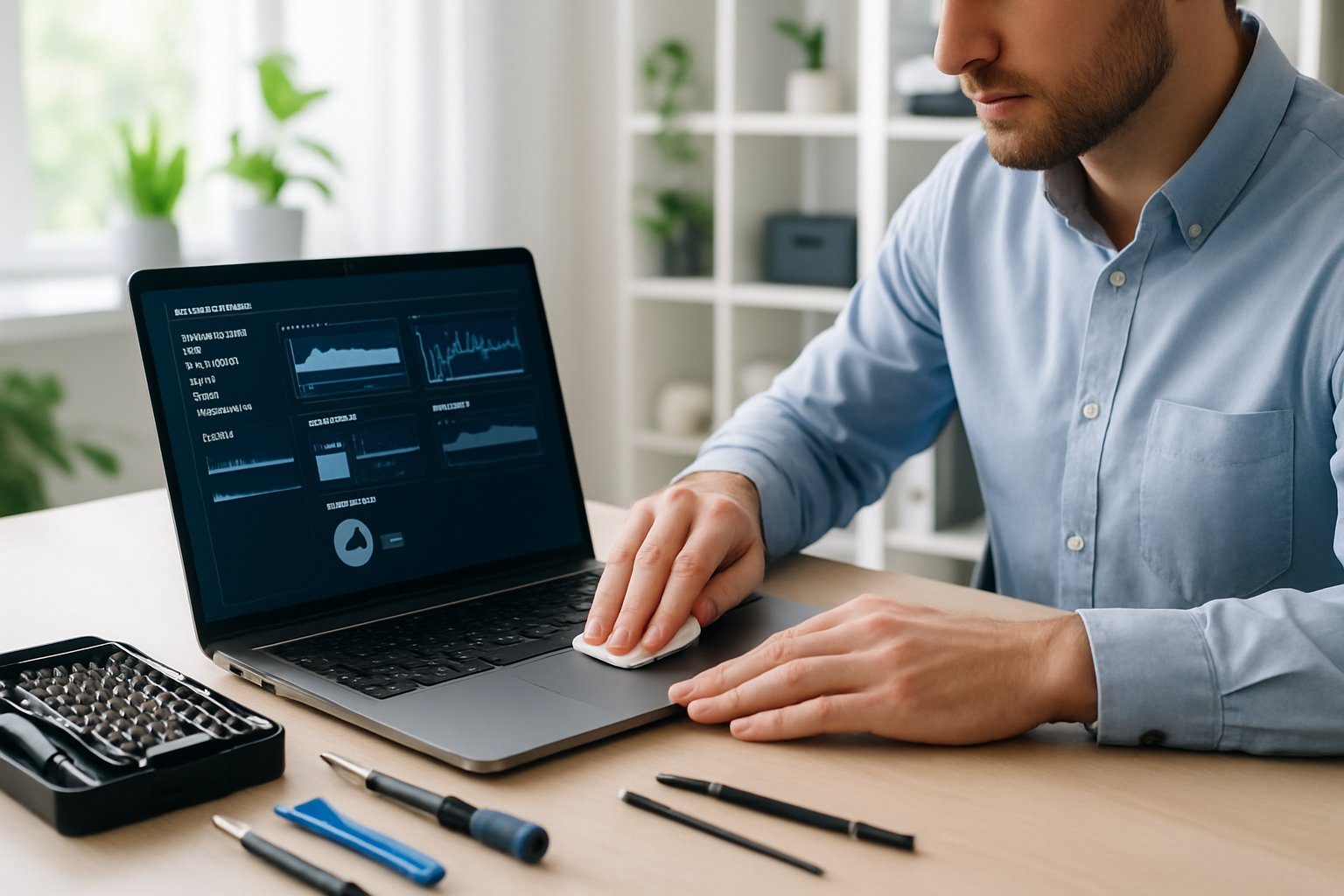
Regular maintenance helps you avoid most problems that send folks to repair shops. Focus on three areas: routine care, security updates, and file protection.
Preventative Maintenance Tips
Clean your computer every 3-6 months to keep dust from clogging things up. Dust blocks airflow and overheats your system.
Shut down your computer fully at least once a week. This clears out temporary files and resets memory.
Check your hard drive for errors monthly with built-in tools. These scans catch problems before they cause crashes.
Try to keep at least 15% of your drive free. Crowded drives slow things down and cause more issues.
| Task | Frequency | Purpose |
|---|---|---|
| Dust cleaning | 3-6 months | Prevent overheating |
| Full restart | Weekly | Clear memory |
| Disk check | Monthly | Catch errors early |
| Storage cleanup | Monthly | Keep things speedy |
Uninstall software you don’t use. Extra programs eat up space and sometimes conflict with others.
Check cables every few months. Loose connections can cause random shutdowns or data loss.
Updating Security Software
Set your antivirus to update automatically. Let it grab new virus definitions daily.
Run full scans weekly, maybe when you’re not using the computer. It’s easy to forget, so scheduling helps.
Keep your operating system patched with the latest security updates. Updates close security gaps hackers love.
Update your web browser, too. Old browsers are full of holes.
Make sure your firewall’s on. It blocks unwanted internet access.
Swap out antivirus software every couple of years. New threats mean you need fresh protection.
Be careful with email links and unknown downloads. Lots of viruses slip in this way.
Best Practices for Data Backup
Back up important files weekly using the 3-2-1 rule: three copies, two types of storage, one offsite.
Test your backups every month by restoring a few files. You don’t want to find out your backup’s broken when you need it.
Use automatic backup software so you don’t forget. Manual backups are easy to skip.
Keep one backup in the cloud or somewhere else. Fires or theft can wipe out everything at home.
Always back up before big changes like software installs. That way, you’ve got a restore point if something goes sideways.
Save copies of important software installers. You’ll need them if you ever have to reinstall after a repair or upgrade.
Replace backup drives every 3-5 years. Storage devices wear out and might fail when you least expect it.
Why Brantford Residents Trust Local Computer Repair Experts
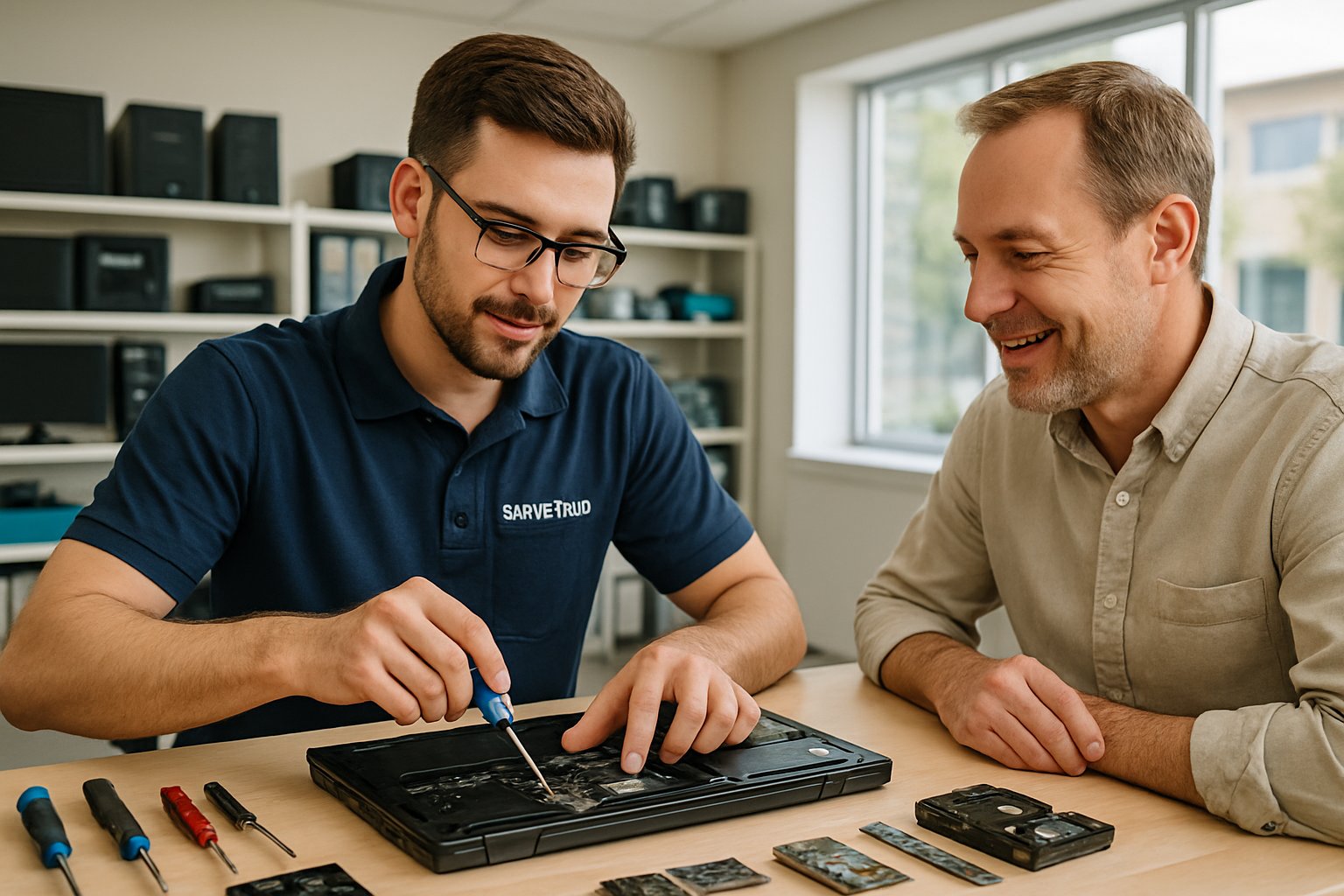
Local computer repair shops in Brantford earn trust by building direct relationships and offering quick service. Folks here often stick with businesses that understand what locals actually need.
You can count on these shops for accessible, convenient repairs. It just feels easier knowing they’re right around the corner.
Personalized Customer Service Experience
Walk into a local shop, and you’ll get one-on-one attention—something big chains rarely deliver. The technician usually takes a few minutes to listen, then breaks down solutions in plain language.
They’ll often remember your previous visits or the quirks of your laptop. That kind of memory lets them suggest repairs that actually make sense for your device and your wallet.
You talk directly with the person fixing your computer. No endless phone menus or bouncing between customer service reps.
Most places in Brantford let you drop off your device and have a real conversation with the tech. That personal touch? It makes it a lot less nerve-wracking to hand over your laptop.
Fast Turnaround and Convenient Locations
Local repair services know you need your computer back fast. Many Brantford shops handle common issues—like virus removal or software glitches—within a day.
Personal Computer Terminal tries to keep turnaround times short so you’re not left waiting. Their repair process is pretty streamlined, so you’re not stuck without your computer for long.
You won’t have to ship your computer away or wait forever for parts. Local shops usually keep common parts on hand and can get special components quickly from nearby suppliers.
Some places even offer pickup and delivery, which is a lifesaver if your desktop weighs a ton.
With shops scattered around Brantford, it’s easy to check on your repair or ask a quick question. And if something’s off after the repair, you can just swing by and talk it through.
Community Reviews and Testimonials
Local computer repair shops build their reputation through word-of-mouth. When your coworker or family member recommends a shop, you probably trust that more than some random online ad.
Personal Computer Terminal has earned 4.7 stars based on 70 customer reviews. That’s a pretty solid track record, and it’s from real Brantford folks who actually used their services.
You can just ask people nearby to check out a local shop’s reputation. Local businesses can’t really hide behind big corporate policies if they mess up.
They need to keep their standards high or they’ll lose customers fast. Many Brantford computer repair experts have helped the same people for years.
Ken’s Computers has provided solutions to the Brantford area for over a decade. That kind of long-term commitment says a lot.
Customer testimonials often mention technicians by name. When someone’s reputation is on the line, you can bet they’ll treat each customer fairly.